Ad This article contains affiliate links. If you buy through them, GadgetHub may earn a commission at no extra cost to you. Affiliate disclosure
Products are chosen independently; commissions do not change what we recommend.
Power station · UPS
Your Power Station Says It Has a UPS Mode — What the Transfer-Time Milliseconds Mean for a PC, a Fridge and a CPAP
Power stations advertise EPS or UPS mode, but a switchover on the order of 10–30ms is not the zero-gap transfer of a true online UPS. What survives that gap (PC vs fridge vs CPAP), how to estimate runtime with Wh × 0.85 ÷ load watts, and why 24/7 passthrough charging deserves a caveat sheet.
The short version
A power station with EPS or UPS mode is a genuinely good backup device for most household loads — and a marginal one for exactly the load most people buy it for.
If you want to keep a fridge cold, a router online, or a CPAP running through an outage, a power station is the better buy per watt-hour than any consumer UPS, and the transfer gap is irrelevant to those loads. If you want a desktop PC or NAS to never see an unplanned reboot, the milliseconds matter, the math is tight, and a small dedicated UPS — the boring kind — is still the purpose-built tool.
The rest of this article is the reasoning, so you can place your own devices on the right side of that line.
“UPS mode” on a power station is usually EPS mode — and the difference is milliseconds
Uninterruptible power supplies come in three classes, and the marketing rarely tells you which one a power station imitates.
Online (double-conversion) units run the load from the inverter all the time. Grid power charges the battery; the battery feeds the load. When the grid fails, nothing changes — the transfer time is zero. This is what server rooms use, and it is not what a power station does.
Line-interactive and standby units feed the load from the grid and switch to the inverter when the grid drops. The switch typically takes a few milliseconds for line-interactive designs and up to around 10ms for basic standby units.
Power station EPS mode works like the standby class. With the unit plugged into the wall and your devices plugged into the unit, grid power passes through to the load. When the wall goes dead, an internal relay hands the load to the inverter. Manufacturers typically quote the gap in the 10–30ms range, with some recent flagship models claiming under 10ms — and a few advertising online-style zero-gap operation on specific models. That spec-sheet number is the single most important line in the manual, so find it for your exact unit before trusting it with anything fragile.
Check UPS-capable power stations on Amazon
What survives the gap
The question is never “is 20ms fast” — it is “does this device store enough energy to coast across 20ms.” Here is how common loads compare:
| Load | Tolerates a 10–30ms gap? | Why |
|---|---|---|
| Laptop | Yes, always | It has its own battery |
| Fridge / freezer | Yes | Motor inertia and thermal mass; a gap of seconds would go unnoticed |
| Wi-Fi router / modem | Almost always | DC power bricks hold enough charge to ride through tens of milliseconds |
| Desktop PC | Marginal | ATX-guideline supplies hold up output for on the order of 16–17ms at rated load |
| Desktop NAS | Marginal, higher stakes | Same electronics as a PC, but an unclean drop risks the file system |
| CPAP | Usually, model-dependent | Many ride through; some models restart and lose pressure settings |
The desktop PC row deserves the emphasis. That 16–17ms hold-up figure is specified at the supply’s rated load — a PC idling at a fraction of its PSU rating typically coasts much longer, which is why many people run desktops behind EPS mode for years without an incident. But push the same machine to full load during a render or a gaming session and the margin against a 20–30ms transfer can evaporate. It works until the one time it doesn’t, and that is a bad property for backup equipment.
The fridge sits at the other extreme. A compressor does not care about milliseconds — its concern is the startup surge, which can briefly reach several times its running wattage. Any power station with a rated output comfortably above the fridge’s surge figure handles this; the transfer gap itself is a non-event for a motor.
Runtime math you can do in your head
The formula worth memorizing: hours ≈ rated Wh × 0.85 ÷ load watts. The 0.85 factor covers inverter conversion losses; real-world figures vary by unit and load, but it is a serviceable planning number.
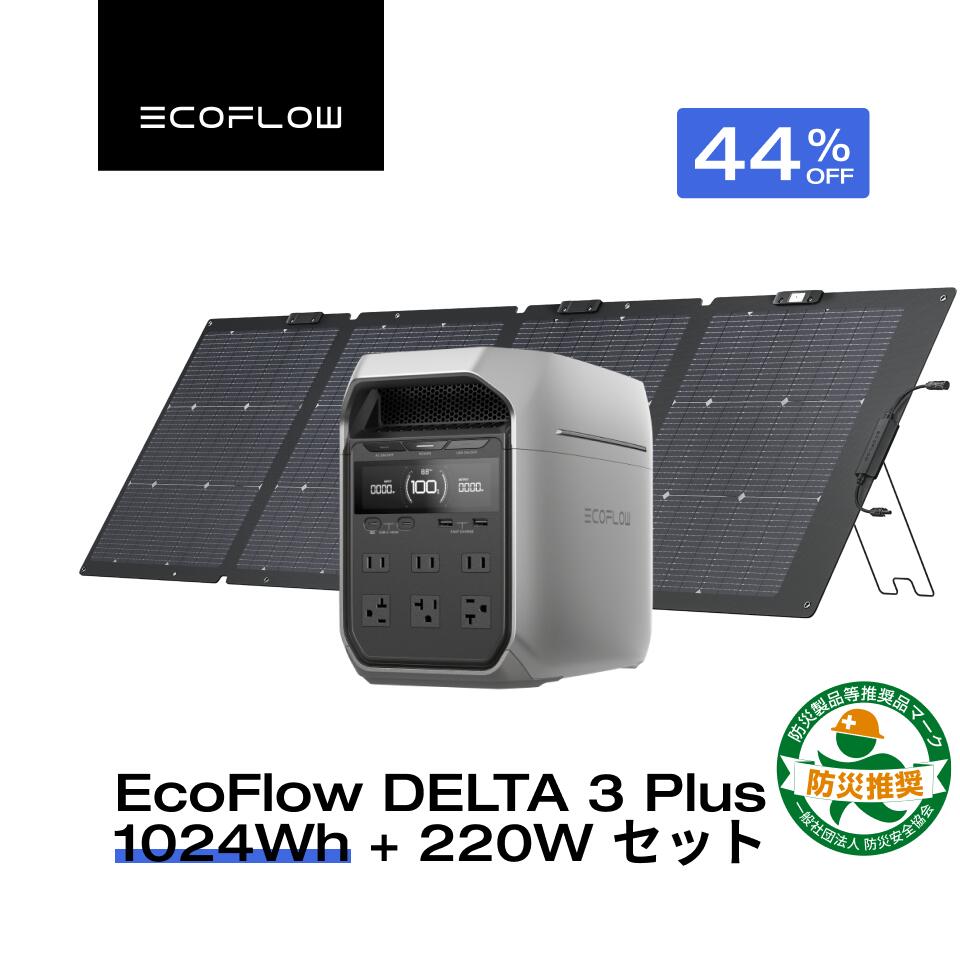
Take a 1kWh-class unit — the EcoFlow DELTA 3 Plus is rated at 1,024Wh — and the usable figure is roughly 870Wh. From there:
- Router + modem (≈15W): on the order of two days. Connectivity is the cheapest thing to back up.
- CPAP, humidifier off (≈60W): roughly 14 hours — two nights if you are careful.
- Fridge (averaging ≈100W over its duty cycle): roughly 8–9 hours. Note that a fridge’s average draw is far below its running wattage because the compressor cycles on and off.
- Desktop PC under load (≈300W): under 3 hours. This is why “UPS” for a desktop really means “time to save and shut down,” not “keep working.”
The trap in this math is using nameplate wattage, which states a maximum, not an average. A plug-in watt meter between the device and the wall for 24 hours gives you the real number — it is the cheapest purchase in this entire category and the one that makes every other sizing decision honest.
CPAP users: two changes double your nights
A CPAP is the load where runtime math has real consequences, and two adjustments move the number more than buying a bigger battery.
Turn off the heated humidifier and heated tube. The blower alone typically draws a few tens of watts; heating elements can multiply that. On backup power, most users accept a dry night in exchange for a full one.
Use DC where your machine supports it. Running a power station’s AC inverter, then the CPAP’s wall adapter converting back to DC, stacks two rounds of conversion losses. Many machines accept a manufacturer DC cable that draws straight from a 12V/24V source, and purpose-built CPAP battery backups are designed around exactly this path. For travel or frequent outages, a dedicated unit sized for your machine can make more sense than a general-purpose station.
Check CPAP battery backups on Amazon
Confirm your machine’s behavior after a brief power interruption with your equipment provider. Some models resume automatically; some wait for you.
Passthrough charging: the caveat sheet
Leaving a power station permanently plugged in as a standby UPS is a different duty cycle from weekend camping, and four caveats apply:
- EPS only works with the unit switched on and plugged in. A power station sitting charged in a closet protects nothing. The AC output must be enabled and the load must already be connected through it.
- Parked at 100%, lithium ages faster. Most current apps offer a charge-limit setting; setting it to around 80–85% trades a slice of runtime for meaningfully slower degradation. If your unit offers it, use it.
- Chemistry matters for this job. LiFePO4 packs are typically rated for thousands of charge cycles and tolerate always-plugged, always-warm duty far better than the lighter NMC chemistry found in compact units. For a device that will live its life at your desk, LiFePO4 is the right default.
- Check what “passthrough” means on your model. Some designs bypass the battery when grid power is present; others cycle energy through the battery continuously, which adds wear. The manual — not the product page — is where manufacturers document this.
Also mundane but worth saying: plug the station directly into a wall outlet, not into a daisy chain of power strips, and keep its fans unobstructed. Charging at full rate is when these units run loudest and warmest.
Who should not buy one for this job
If a desktop PC is the only thing you are protecting, a basic consumer UPS is the better tool. The cheap line-interactive units sold for decades do two things a power station generally does not: they are specified and tested precisely for this switchover, and they connect to your PC over USB so the operating system can shut itself down cleanly when the battery runs low. A power station gives you more watt-hours; a UPS gives you the guarantee. For a PC, the guarantee is the product.
If your outages last minutes, not hours, the capacity is wasted. A grid that blips a few times a year is a UPS use case, not a power station use case.
If you want to back up hardwired circuits — well pump, furnace, anything on 240V — a portable unit with extension cords is not the answer. That is transfer-switch territory, and transfer switch work belongs to a licensed electrician, full stop.
If you already own a power station for camping, you likely do not need a second one. Enable its EPS mode, put the router and fridge on it during storm season, and spend the money on a watt meter instead.
The honest hierarchy: buy a power station for outage runtime, buy a UPS for switchover certainty, and buy both only if you genuinely have both problems.
Caveats
Transfer times, hold-up times and efficiency figures quoted here are manufacturer-published or industry-typical values, hedged accordingly — individual models differ, and the spec sheet for your exact unit is the only number that binds. We have not bench-tested switchover behavior ourselves. Nothing here is electrical advice: anything involving your breaker panel, a transfer switch or generator inlets requires a licensed electrician, and questions about backfeed rules belong to your utility. CPAP and other medical device users should confirm backup behavior with their equipment provider.
Related guides
Frequently Asked Questions
- Q: Can a power station really replace a UPS for a desktop PC?
- A: Sometimes, and it is closer than it used to be. A desktop power supply built to the ATX guideline holds up its output for on the order of 16–17ms at rated load, while power stations typically quote EPS switchover times in the 10–30ms range — some newer flagships claim under 10ms. That overlap means a lightly loaded PC usually rides through, but a heavily loaded one may not. If an unplanned reboot is unacceptable, a purpose-built UPS with USB shutdown signaling is still the safer tool.
- Q: What is the difference between EPS mode and a true UPS?
- A: A true online double-conversion UPS runs the load from the inverter continuously, so a grid failure produces zero transfer gap. Line-interactive and standby UPS units switch over in a few milliseconds. Power station EPS (Emergency Power Supply) modes behave like the standby class: the load runs from the grid through the unit, and when the grid drops, the inverter takes over after a brief gap. The gap is the entire difference — check the manufacturer's published number for your exact model.
- Q: Can I leave a power station plugged in 24/7 as standby backup?
- A: Generally yes if the manufacturer documents passthrough or UPS use, but do two things: set the charge limit to around 80–85% if the app offers one, since parking a lithium battery at 100% indefinitely accelerates ageing, and prefer LiFePO4 chemistry, which is typically rated for thousands of cycles and tolerates always-plugged duty far better than lighter NMC packs.
- Q: How do I calculate how long my devices will actually run?
- A: Multiply the rated watt-hours by roughly 0.85 to account for inverter losses, then divide by the load in watts. A 1,024Wh unit gives about 870 usable watt-hours: a 15W router runs on the order of two days, a 60W CPAP without humidifier heat about 14 hours, a fridge averaging around 100W roughly 8–9 hours. Measure the real draw with a plug-in watt meter rather than trusting nameplate labels, which state maximums.
- Q: Will a power station keep a CPAP running overnight?
- A: Usually, with two adjustments. Turn off the heated humidifier and heated tube, which can multiply the draw of the blower alone, and use the manufacturer's DC power cable if your machine supports one, because running DC-to-AC-to-DC through the inverter and the wall adapter stacks two rounds of conversion losses. Confirm behavior with your equipment provider — this is a medical device, not a router.